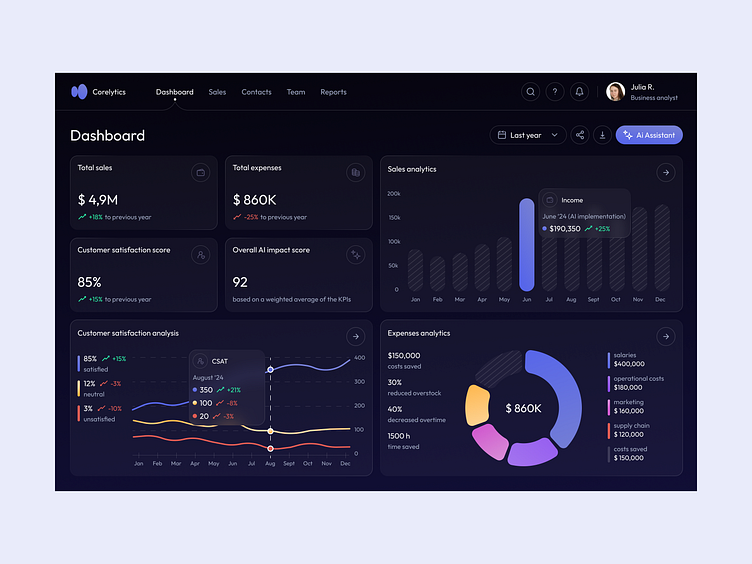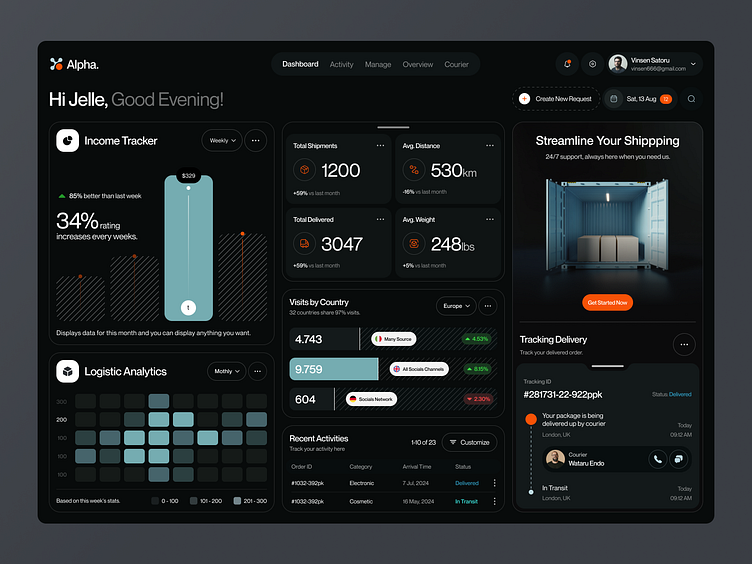
Static websites have become a cornerstone of modern web development. They are fast, secure, cost-effective, and ideal for blogs, documentation, dashboards, landing pages, and portfolio sites. Thanks to cloud providers, developers can now deploy static sites for free with enterprise-grade infrastructure.
In this article, we review the top 10 free hosting platforms for static websites, highlighting their advantages, limitations, and professional recommendations based on industry best practices.
1. Sevalla
✅ Advantages
- Simple and beginner-friendly setup
- Fast deployment for small static websites
- Clean and minimal user interface
❌ Disadvantages
- Limited ecosystem compared to major providers
- Fewer integrations with CI/CD tools
- Smaller community and documentation
🔍 Professional Recommendation
Sevalla is suitable for small personal projects or quick demos, but professionals usually prefer platforms with stronger ecosystems and long-term scalability.
2. Google Firebase Hosting
✅ Advantages
- Backed by Google’s global CDN
- Excellent performance and reliability
- Seamless integration with Firebase services (Auth, Functions, Firestore)
- Free SSL and custom domains
❌ Disadvantages
- Configuration can be complex for beginners
- Pricing can scale quickly when combined with other Firebase services
🔍 Professional Recommendation
Highly recommended for production-grade static sites, especially when paired with serverless backends. Widely used by startups and enterprise teams.
3. Netlify
✅ Advantages
- Extremely easy deployment from Git
- Built-in CI/CD pipeline
- Powerful serverless functions
- Large plugin ecosystem
❌ Disadvantages
- Bandwidth and build limits on the free plan
- Some advanced features require paid tiers
🔍 Professional Recommendation
One of the most popular choices among frontend developers. Ideal for marketing sites, documentation, and JAMstack projects.
4. Render
✅ Advantages
- Unified platform for static sites, APIs, and databases
- Git-based auto-deployments
- Clean dashboard and modern UX
❌ Disadvantages
- Free tier resources are limited
- Cold starts may occur on free plans
🔍 Professional Recommendation
Recommended for teams who want both static and backend services on the same platform with minimal DevOps overhead.
5. Surge
✅ Advantages
- Very fast CLI-based deployment
- Supports custom domains
- Minimal configuration
❌ Disadvantages
- No Git-based CI/CD
- Limited features compared to modern platforms
🔍 Professional Recommendation
Best for quick prototypes and simple static pages. Not recommended for large or collaborative projects.
6. Vercel
✅ Advantages
- Optimized for Next.js and React
- Automatic performance optimizations
- Edge functions and global CDN
- Excellent developer experience
❌ Disadvantages
- Vendor lock-in for advanced features
- Usage limits on free tier
🔍 Professional Recommendation
The industry standard for Next.js projects. Strongly recommended by frontend professionals building modern web applications.
7. GitLab Pages
✅ Advantages
- Integrated directly with GitLab CI/CD
- Full control over pipelines
- Free SSL and custom domains
❌ Disadvantages
- Steeper learning curve
- Less intuitive UI than competitors
🔍 Professional Recommendation
Preferred by DevOps-oriented teams already using GitLab for source control and CI/CD workflows.
8. AWS Amplify Hosting
✅ Advantages
- Native integration with AWS services
- Highly scalable and secure
- Supports modern frontend frameworks
❌ Disadvantages
- AWS complexity for beginners
- Pricing model can be confusing
🔍 Professional Recommendation
Best suited for enterprise-level projects or teams already invested in the AWS ecosystem.
9. Cloudflare Pages
✅ Advantages
- Excellent security and performance
- Integrated with Cloudflare Workers
- Unlimited bandwidth on free tier
- Strong DDoS protection
❌ Disadvantages
- Ecosystem still evolving
- Some advanced use cases require Workers knowledge
🔍 Professional Recommendation
Increasingly recommended by professionals for high-performance, security-focused static sites.
10. GitHub Pages
✅ Advantages
- Completely free
- Native integration with GitHub repositories
- Ideal for documentation and open-source projects
❌ Disadvantages
- Limited customization
- No server-side logic
- Build constraints
🔍 Professional Recommendation
Excellent for documentation, portfolios, and open-source projects, but not suitable for complex production websites.
1. Sevalla
✅ Advantages
- Simple and beginner-friendly setup
- Fast deployment for small static websites
- Clean and minimal user interface
❌ Disadvantages
- Limited ecosystem compared to major providers
- Fewer integrations with CI/CD tools
- Smaller community and documentation
🔍 Professional Recommendation
Sevalla is suitable for small personal projects or quick demos, but professionals usually prefer platforms with stronger ecosystems and long-term scalability.
2. Google Firebase Hosting
✅ Advantages
- Backed by Google’s global CDN
- Excellent performance and reliability
- Seamless integration with Firebase services (Auth, Functions, Firestore)
- Free SSL and custom domains
❌ Disadvantages
- Configuration can be complex for beginners
- Pricing can scale quickly when combined with other Firebase services
🔍 Professional Recommendation
Highly recommended for production-grade static sites, especially when paired with serverless backends. Widely used by startups and enterprise teams.
3. Netlify
✅ Advantages
- Extremely easy deployment from Git
- Built-in CI/CD pipeline
- Powerful serverless functions
- Large plugin ecosystem
❌ Disadvantages
- Bandwidth and build limits on the free plan
- Some advanced features require paid tiers
🔍 Professional Recommendation
One of the most popular choices among frontend developers. Ideal for marketing sites, documentation, and JAMstack projects.
4. Render
✅ Advantages
- Unified platform for static sites, APIs, and databases
- Git-based auto-deployments
- Clean dashboard and modern UX
❌ Disadvantages
- Free tier resources are limited
- Cold starts may occur on free plans
🔍 Professional Recommendation
Recommended for teams who want both static and backend services on the same platform with minimal DevOps overhead.
5. Surge
✅ Advantages
- Very fast CLI-based deployment
- Supports custom domains
- Minimal configuration
❌ Disadvantages
- No Git-based CI/CD
- Limited features compared to modern platforms
🔍 Professional Recommendation
Best for quick prototypes and simple static pages. Not recommended for large or collaborative projects.
6. Vercel
✅ Advantages
- Optimized for Next.js and React
- Automatic performance optimizations
- Edge functions and global CDN
- Excellent developer experience
❌ Disadvantages
- Vendor lock-in for advanced features
- Usage limits on free tier
🔍 Professional Recommendation
The industry standard for Next.js projects. Strongly recommended by frontend professionals building modern web applications.
7. GitLab Pages
✅ Advantages
- Integrated directly with GitLab CI/CD
- Full control over pipelines
- Free SSL and custom domains
❌ Disadvantages
- Steeper learning curve
- Less intuitive UI than competitors
🔍 Professional Recommendation
Preferred by DevOps-oriented teams already using GitLab for source control and CI/CD workflows.
8. AWS Amplify Hosting
✅ Advantages
- Native integration with AWS services
- Highly scalable and secure
- Supports modern frontend frameworks
❌ Disadvantages
- AWS complexity for beginners
- Pricing model can be confusing
🔍 Professional Recommendation
Best suited for enterprise-level projects or teams already invested in the AWS ecosystem.
9. Cloudflare Pages
✅ Advantages
- Excellent security and performance
- Integrated with Cloudflare Workers
- Unlimited bandwidth on free tier
- Strong DDoS protection
❌ Disadvantages
- Ecosystem still evolving
- Some advanced use cases require Workers knowledge
🔍 Professional Recommendation
Increasingly recommended by professionals for high-performance, security-focused static sites.
10. GitHub Pages
✅ Advantages
- Completely free
- Native integration with GitHub repositories
- Ideal for documentation and open-source projects
❌ Disadvantages
- Limited customization
- No server-side logic
- Build constraints
🔍 Professional Recommendation
Excellent for documentation, portfolios, and open-source projects, but not suitable for complex production websites.
Final Professional Recommendations
| Use Case | Recommended Platform |
|---|---|
| Beginner projects | Netlify, GitHub Pages |
| React / Next.js apps | Vercel |
| Enterprise & cloud-native | Firebase, AWS Amplify |
| Security & performance | Cloudflare Pages |
| DevOps & CI/CD | GitLab Pages |
| Quick demos | Surge |